Tutorial

How TubTrace works — from sample to report

A visual walkthrough of the screens your lab uses every day. Follow the steps, then book a free demo for a live session on your own cases.

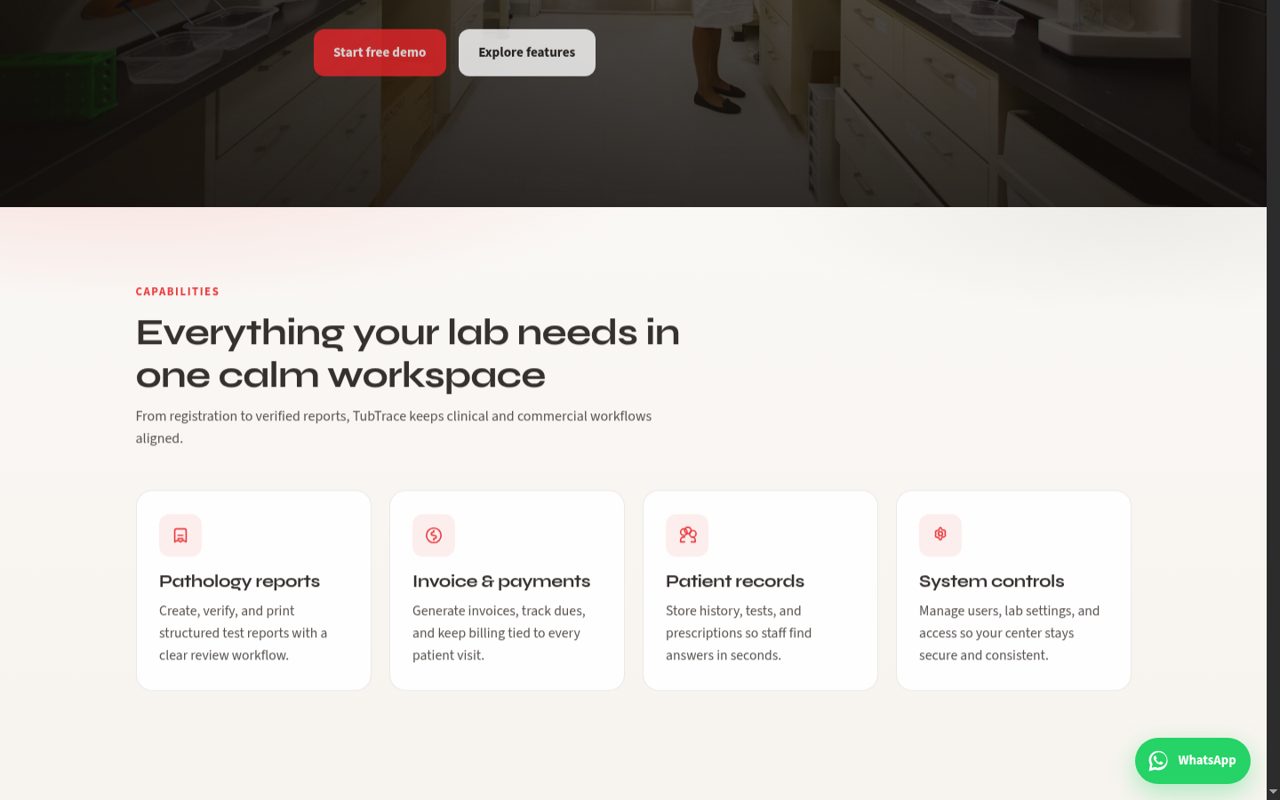
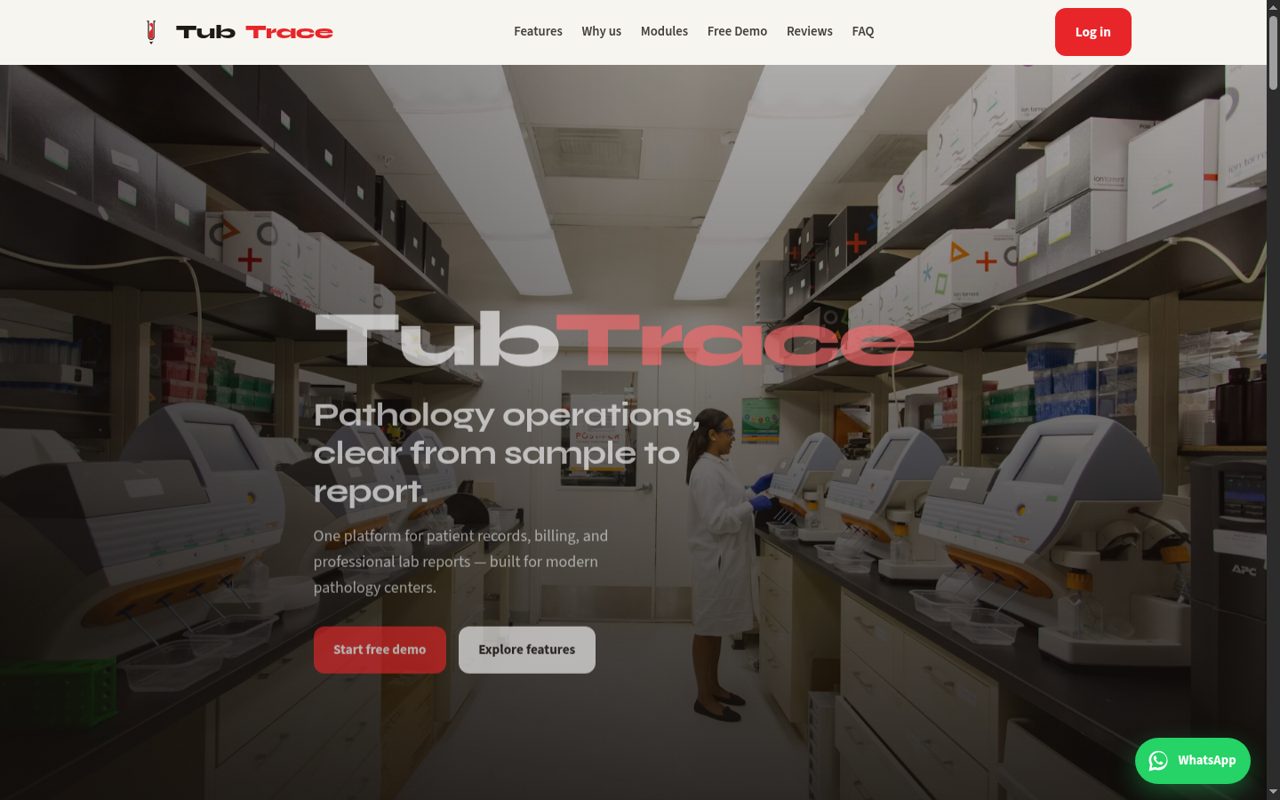
TubTrace landing page hero
01

Start on the TubTrace home page

From the public site you can explore features, book a free demo, read approved reviews, or jump straight into login. Use the WhatsApp button anytime you need help.

  • Book a free demo if you are evaluating TubTrace
  • Approved reviews appear under the Reviews section
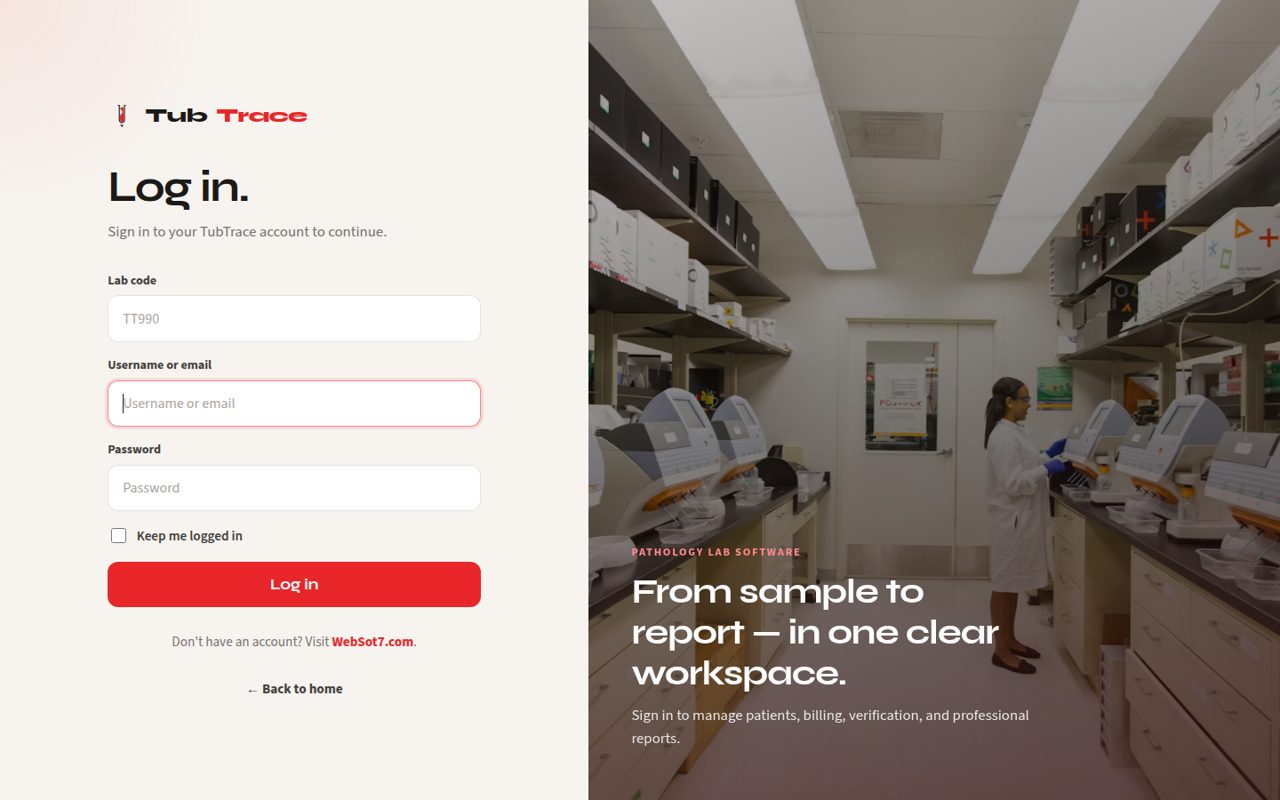
TubTrace login screen
02

Log in with your lab code

Each lab has a unique lab code plus username and password. Enter all three, then click Log in. Optional share links can pre-fill these fields — you still confirm with the Log in button.

  • Lab code example placeholder: TT990
  • Keep me logged in is optional on shared computers
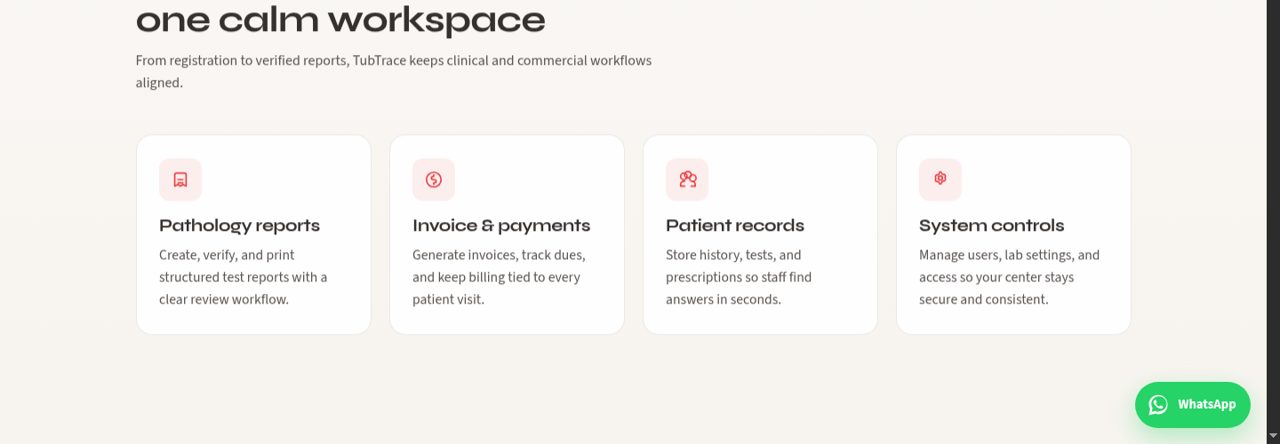
TubTrace features section
03

See what the platform covers

Reports, billing, patient records, doctor commissions, and analytics are designed as one workspace — so reception, lab, and accounts stay aligned.

  • Scroll Features and Modules on the home page for a product overview
  • Request a demo for a live walkthrough of your lab flow
Clinical team reviewing patient records
04

Register patients and raise bills

From New Registration, capture patient details, assign tests or panels, set payment, and create the visit. Patient List keeps every case searchable for follow-up and dues.

  • Link referring doctors at registration for commission tracking
  • Outstanding dues stay visible until cleared
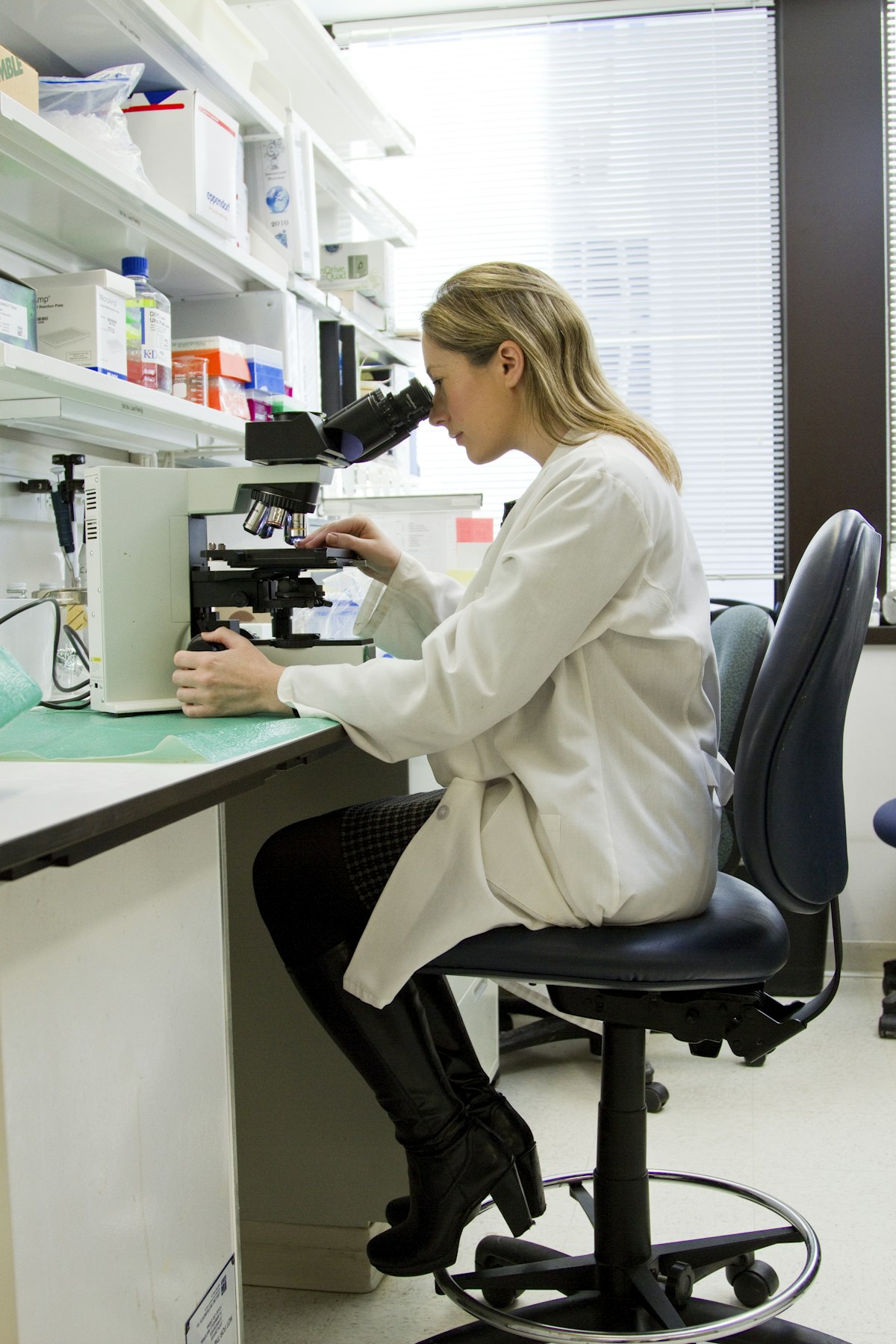
Laboratory scientist working with samples
05

Enter results and verify

Open Enter & Verify, fill parameter readings, and save. Groups like DLC can show a section header and sum check. Save and Verify when the report is ready to release.

  • Pending reports appear on the dashboard for quick follow-up
  • Formulas calculate automatically when related values are present
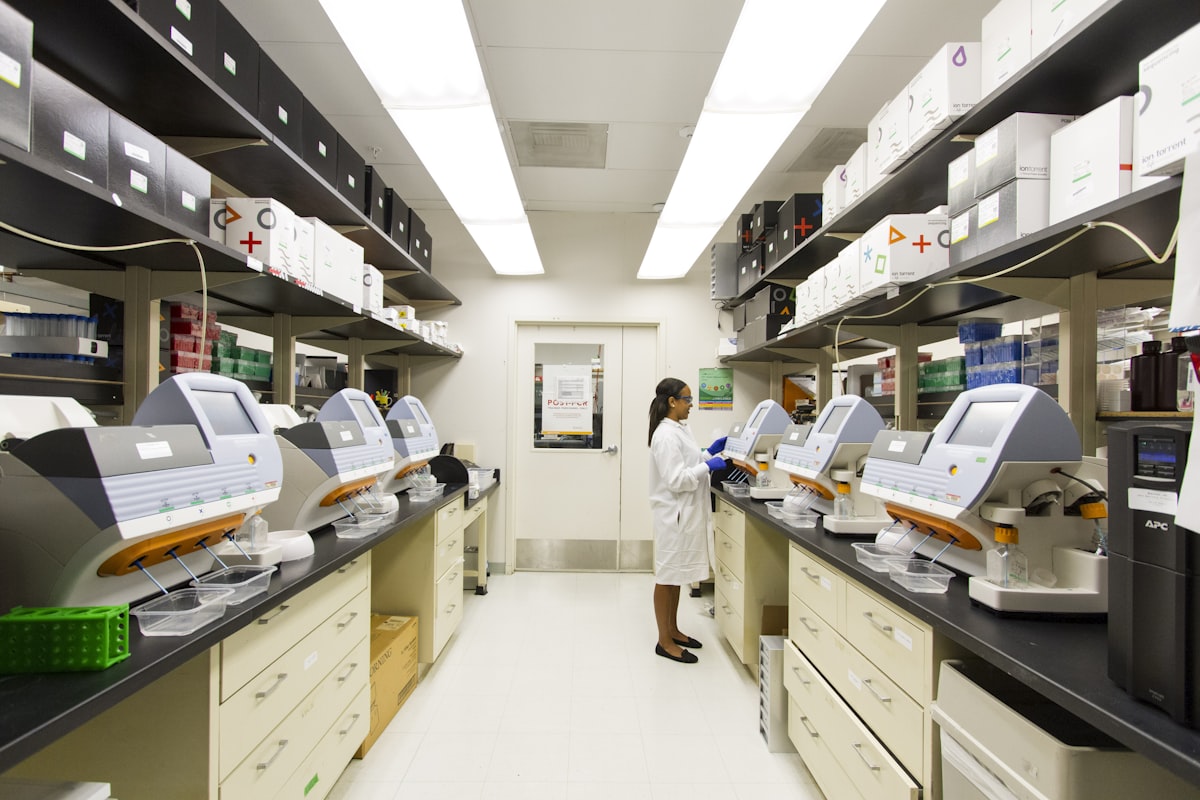
Pathology laboratory workspace
06

Print professional reports

Verified cases open as polished print-ready reports with your letterhead, ranges, and flags. Subgroups such as DLC appear with clear section titles and indented parameters.

  • Customize report fonts and branding in lab settings
  • Out-of-range values can highlight with L / H flags
Team collaborating in a modern workspace
07

Manage doctors and commissions

Track referring doctors, apply commission rules, and record withdrawals. The Doctors module and Analytics commissions tab keep earnings transparent.

  • Per-test commission overrides are supported
  • Wallet history helps reconcile pay-outs
TubTrace modules overview
08

Watch collections and volume

Dashboard cards show today vs totals. Analytics goes deeper with date filters for collections, commissions, and test volume — plus CSV export when you need a spreadsheet.

  • Use the dashboard quick buttons for daily work
  • Open Analytics for date-range business reviews
Next step

Ready to try it with your lab?

Book a free demo for a guided walkthrough, or log in if your center already has TubTrace access.